

- January 21, 2021
- webstive
- 0
Why Shopify Stores Fail:
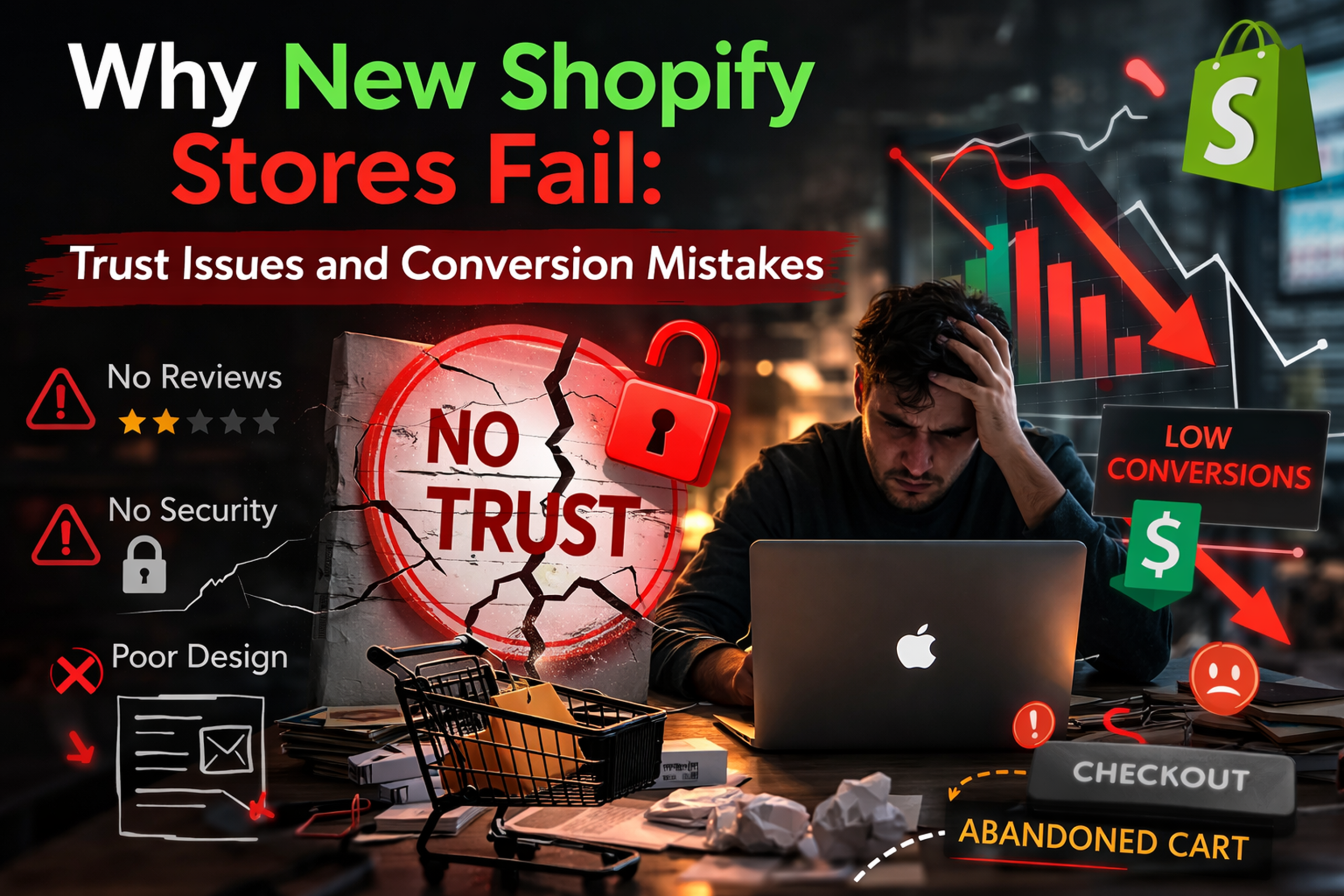
Why Shopify Stores Fail: Launching a Shopify store has never been easier. Within a few hours, anyone can set up a store, add products, and start running ads. But the reality is harsh—many new Shopify stores fail to generate consistent sales.
The problem is rarely traffic. In many cases, store owners manage to bring visitors through ads or social media, but those visitors don’t convert into buyers. The biggest reasons behind this are trust issues and conversion mistakes.
In this article, we’ll explore the most common reasons why new Shopify stores fail and how you can fix them.
1. Lack of Trust Signals
When a visitor lands on your store for the first time, they don’t know your brand. Within a few seconds they decide whether your store looks trustworthy or not.
Missing trust signals like reviews, security badges, and clear contact information can instantly push customers away. Studies show that around 19% of shoppers abandon carts because they don’t trust the website with their payment information.
Examples of Trust Signals
Customer reviews and ratings
Secure payment icons
Clear return and refund policies
Visible contact details
- “As Seen On” or media mentions
If these elements are missing, visitors may assume your store is unreliable—even if your product is great.
2. Poor Product Page Experience
Your product page is where the buying decision happens. If the product page is weak, visitors will leave without purchasing.
Many new Shopify stores use low-quality images, short descriptions, or generic content copied from suppliers.
Customers need to feel confident about what they are buying. High-quality visuals, product videos, and detailed descriptions significantly improve conversion rates.
What a Good Product Page Should Include
Multiple high-quality images
Product videos or demonstrations
Detailed product benefits
Customer reviews
Clear pricing and shipping information
3. Confusing Website Navigation
If visitors cannot quickly find what they are looking for, they will leave.
Complex navigation menus, cluttered layouts, or poorly organized categories create friction in the shopping journey.
A simple rule for eCommerce design:
Make it easy for users to find and buy products in the fewest possible clicks.
Best Practices
Keep the main menu simple
Use clear category names
Add search functionality
Provide filters and sorting options
A clean user experience improves both engagement and conversion.
4. Unexpected Costs at Checkout
One of the biggest conversion killers in eCommerce is unexpected charges during checkout.
If customers suddenly see high shipping fees or additional taxes at the final step, they often abandon their cart.
Transparent pricing builds trust and keeps customers moving through the checkout process.
How to Fix It
Show shipping costs on the product page
Offer free shipping thresholds
Display estimated delivery time
Clearly explain taxes and fees
5. Complicated Checkout Process
Every extra step in checkout increases the chances of losing a customer.
Long forms, forced account creation, and too many fields create friction in the buying process.
A simple and fast checkout experience can significantly increase conversions.
Optimize Your Checkout
Enable guest checkout
Add express payment options (Shop Pay, Apple Pay, Google Pay)
Reduce unnecessary form fields
Use auto-fill address features

6. Slow Website Speed
Speed is a critical factor for Shopify conversions.
Even a one-second delay in page load time can reduce conversions by up to 20%.
Common causes of slow stores include:
Too many apps
Heavy images
Unoptimized scripts
Bloated themes
Improve Store Speed
Compress images
Remove unused apps
Use optimized themes
Minimize third-party scripts
Fast websites create better user experiences and higher conversion rates.
Every extra step in checkout increases the chances of losing a customer.
Long forms, forced account creation, and too many fields create friction in the buying process.
A simple and fast checkout experience can significantly increase conversions.
Optimize Your Checkout
Enable guest checkout
Add express payment options (Shop Pay, Apple Pay, Google Pay)
Reduce unnecessary form fields
Use auto-fill address features
7. No Social Proof
Customers trust other customers more than marketing.
If your store has no reviews, testimonials, or user-generated content, visitors may hesitate to buy.
Research shows that over 90% of consumers read reviews before making a purchase decision.
Add Social Proof
Product reviews
Customer photos
Testimonials
Instagram feed
User-generated content
These elements make your store feel authentic and trustworthy.
Conclusion
Most new Shopify stores don’t fail because of bad products. They fail because the store experience doesn’t build enough trust or guide visitors toward purchasing.
To succeed with Shopify, focus on three key areas:
Build strong trust signals
Optimize product pages and checkout
Improve website speed and user experience
When these fundamentals are in place, even a small amount of traffic can start generating consistent sales.
Remember: Traffic brings visitors, but trust and conversion optimization turn them into customers.