

- March 10, 2026
- webstive
- 0
High Traffic No Sales on Shopify:
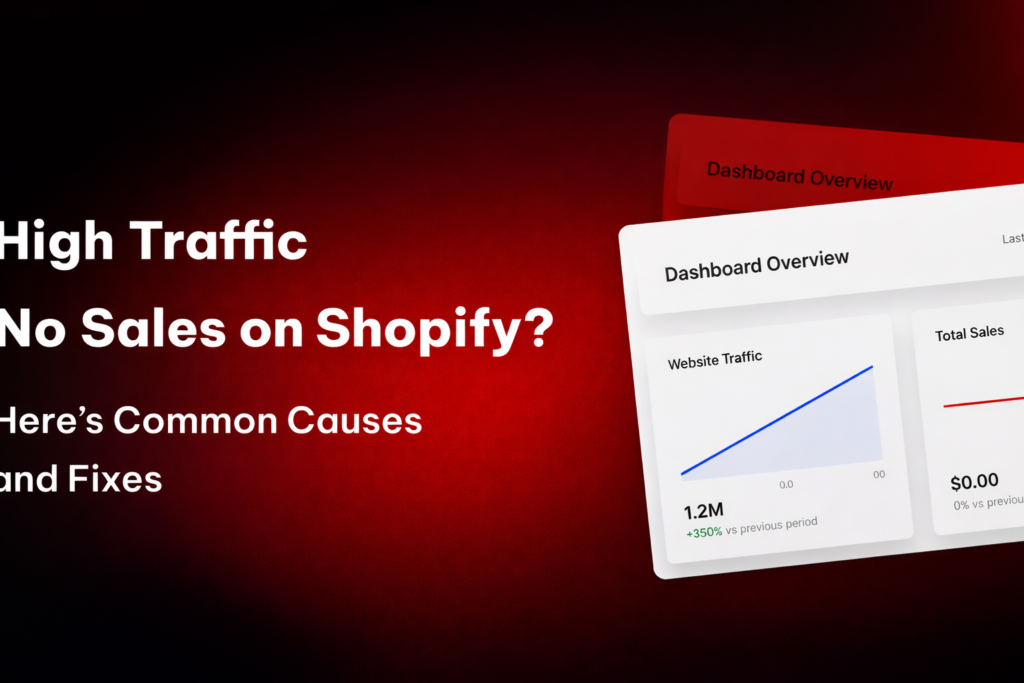
High Traffic No Sales on Shopify: Many Shopify store owners face a frustrating problem: their store gets plenty of traffic, but sales remain extremely low or even zero.
At first glance, high traffic seems like success. But traffic alone doesn’t generate revenue. If visitors aren’t converting into customers, something in the store experience is blocking them from completing the purchase.
In most cases, the issue is not traffic—it’s conversion optimization. From weak product pages to trust issues and checkout friction, several factors can silently kill your sales.
Let’s explore the most common reasons why Shopify stores get high traffic but no sales—and how to fix them.
1. Poor Product Page Experience
Your product page is where customers decide whether to buy or leave. If the page fails to clearly communicate value, visitors will exit without purchasing.
Common problems include:
- Low-quality product images
- Generic descriptions copied from suppliers
- Missing product benefits
- Lack of product videos or demonstrations
Clear, benefit-focused product descriptions and high-quality visuals help shoppers understand the product and build confidence in their purchase.
Fix
- Use high-resolution product images
- Add lifestyle photos and product videos
- Write detailed descriptions focused on benefits
- Include FAQs and product specifications
2. Lack of Trust Signals
When someone visits your Shopify store for the first time, they don’t know your brand. Without trust indicators, customers may hesitate to enter payment details.
Common missing trust signals include:
- Customer reviews
- Security badges
- Clear refund or return policies
- Contact information
Without these signals, visitors may feel the store is unreliable and abandon the purchase.
Fix
Add trust elements such as:
- Customer testimonials
- Payment security badges
- Real customer photos
- Clear shipping and return policies
Trust reduces hesitation and improves conversions.
3. Poor Website UX and Navigation
If visitors cannot easily find products or navigate the store, they leave quickly.
Issues like confusing menus, slow loading pages, or mobile layout problems create friction in the buying journey.
Fix
- Simplify navigation menus
- Add product filters and search
- Ensure the store is mobile-friendly
- Improve page loading speed
A smooth browsing experience keeps users engaged and increases purchase likelihood.
4. Complicated Checkout Process
Even when customers add products to the cart, many abandon the purchase during checkout.
Common checkout problems include:
- Too many form fields
- Forced account creation
- Unexpected shipping costs
- Limited payment options
Checkout friction is one of the biggest conversion killers in eCommerce.
Fix
- Enable guest checkout
- Reduce unnecessary form fields
- Add express payment options like Shop Pay or Apple Pay
- Show shipping costs upfront
A simple checkout flow significantly increases conversion rates.
5. Wrong Traffic or Poor Targeting
Sometimes the issue isn’t your store—it’s the type of traffic you’re attracting.
If your ads target the wrong audience, visitors may browse but have no real intention to buy. Poor targeting can lead to high traffic but extremely low conversion rates.
Fix
- Optimize ads for conversions, not clicks
- Target high-intent keywords
- Align landing pages with ad messaging
- Focus on audience relevance
The right traffic is far more valuable than large amounts of irrelevant visitors.
6. Slow Website Speed
Website speed directly affects conversions.
If your Shopify store takes too long to load—especially on mobile—users often leave before viewing products.
Slow stores are commonly caused by:
- Heavy images
- Too many apps
- Unoptimized scripts
Fix
- Compress images
- Remove unused apps
- Use a lightweight theme
- Optimize scripts and assets
Faster websites provide better user experiences and higher conversion rates.
7. Missing Clear Call-to-Action
Visitors should instantly know what action to take on your store.
If your pages lack clear “Buy Now”, “Add to Cart”, or “Shop Now” calls-to-action, customers may hesitate and leave without purchasing.
Fix
- Use clear and visible CTA buttons
- Highlight offers or discounts
- Place CTAs above the fold
Strong CTAs guide visitors toward completing the purchase.
Conclusion
Getting high traffic to your Shopify store is only half the battle. The real success comes from converting those visitors into customers.
If your store has traffic but no sales, focus on improving:
- Product page quality
- Trust signals
- Website user experience
- Checkout simplicity
- Traffic targeting
When these elements work together, your Shopify store can turn visitors into consistent sales.
Remember:
Traffic brings people to your store, but trust, experience, and optimization turn them into buyers.